
Review & Launch
Review all ad details before launch, then sync them directly to Ads Manager. Access preview links, Ad IDs, and duplication options once ads are live, or identify and fix any launch errors shown in red
Reviewing and Launching Ads
Select individual rows or use the Select All option that selects all valid prepared ads.
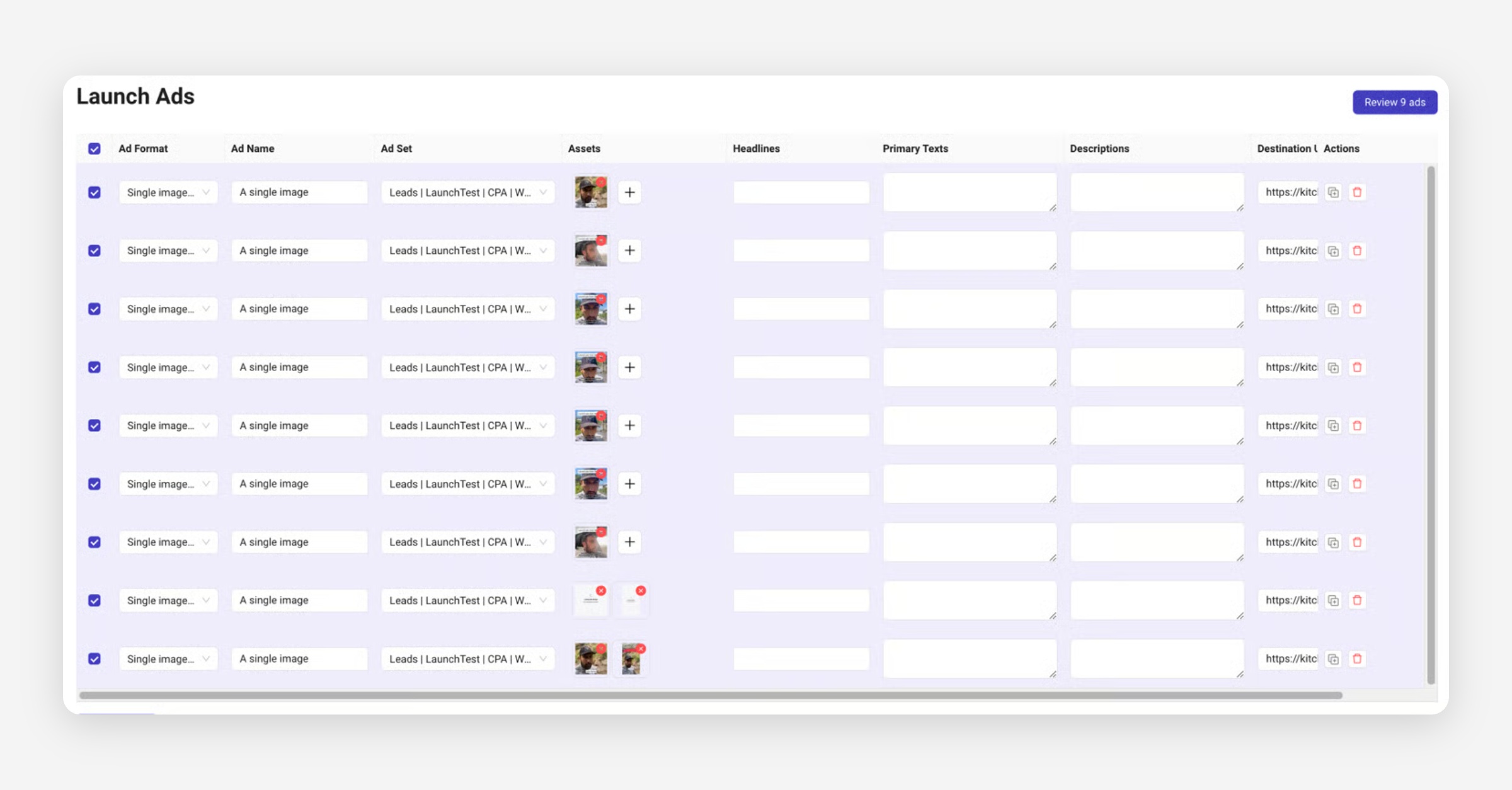
In the popup, you can review all fields…
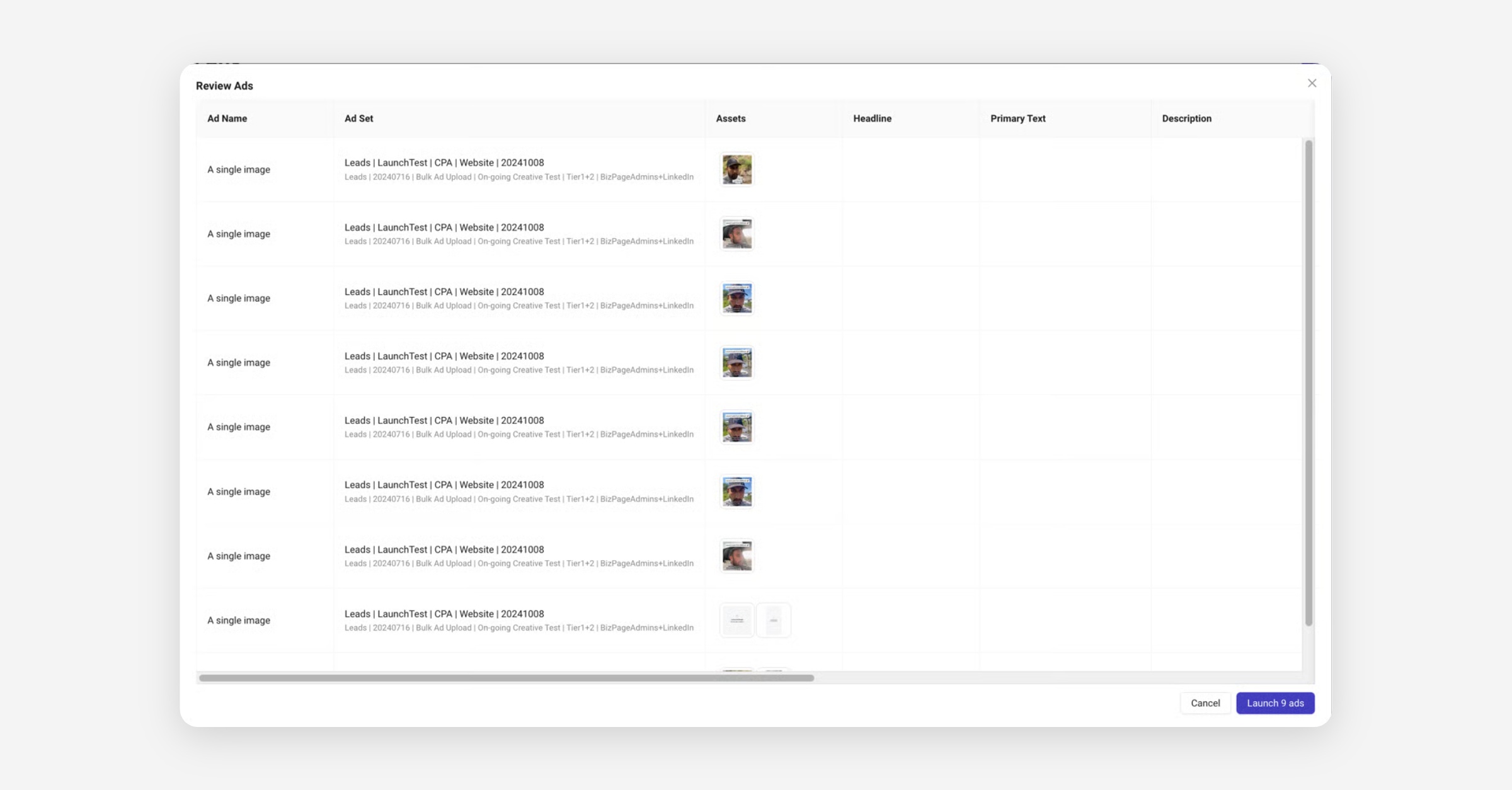
… including those set in the wizard (e.g Facebook Page and Tracking settings).
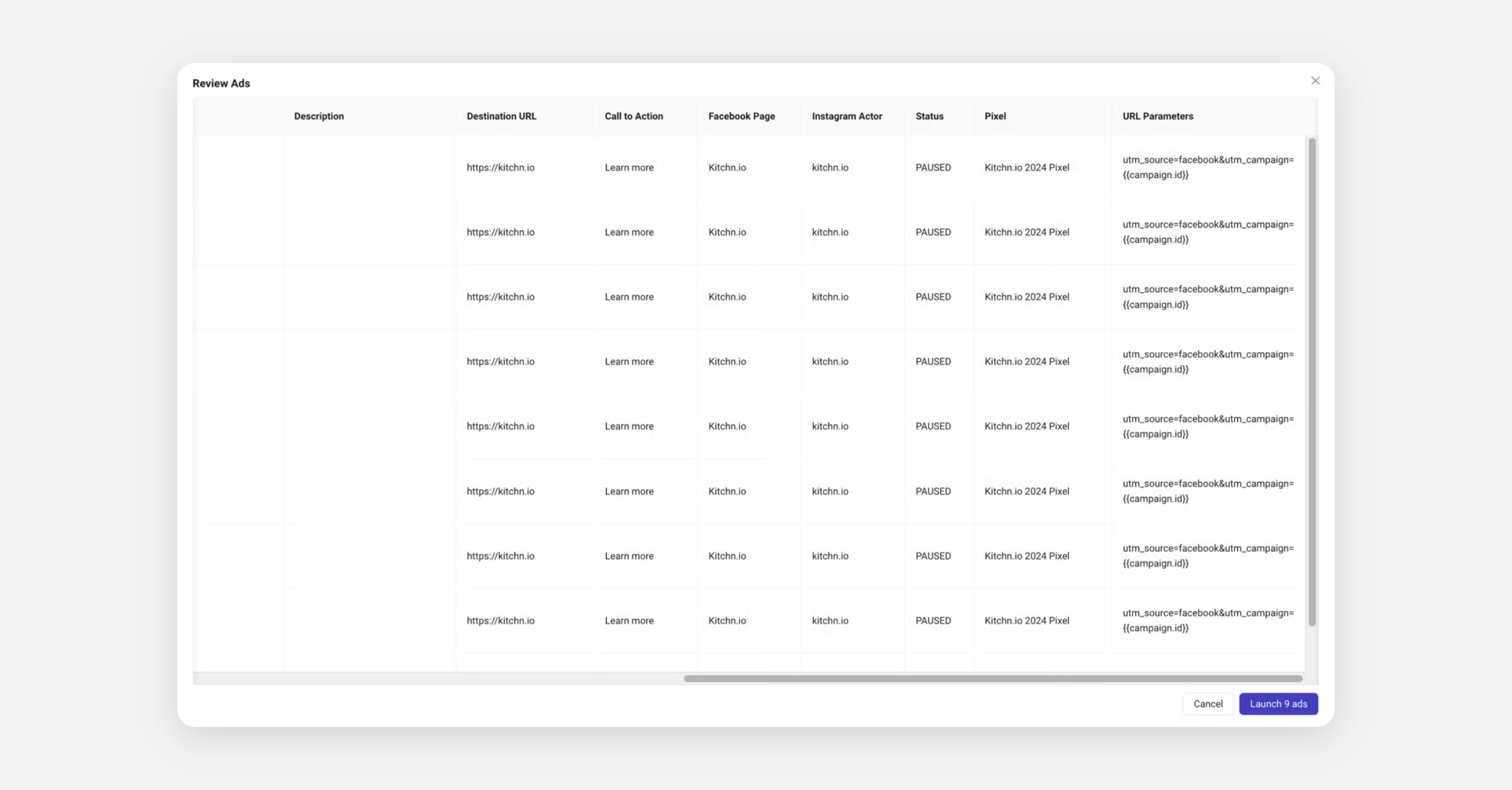
If everything looks good, click Launch Ads to start the syncing process to Ads Manager.
Launched ads
After ads are successfully uploaded, additional options appear:
Ads Manager: Open the ad in Ads Manager.
Preview Link: Open Meta's generated preview link for sharing and approval.
Preview links typically take a few seconds to be accessible.
Copy Ad ID: Copy the unique Ad ID for reference.
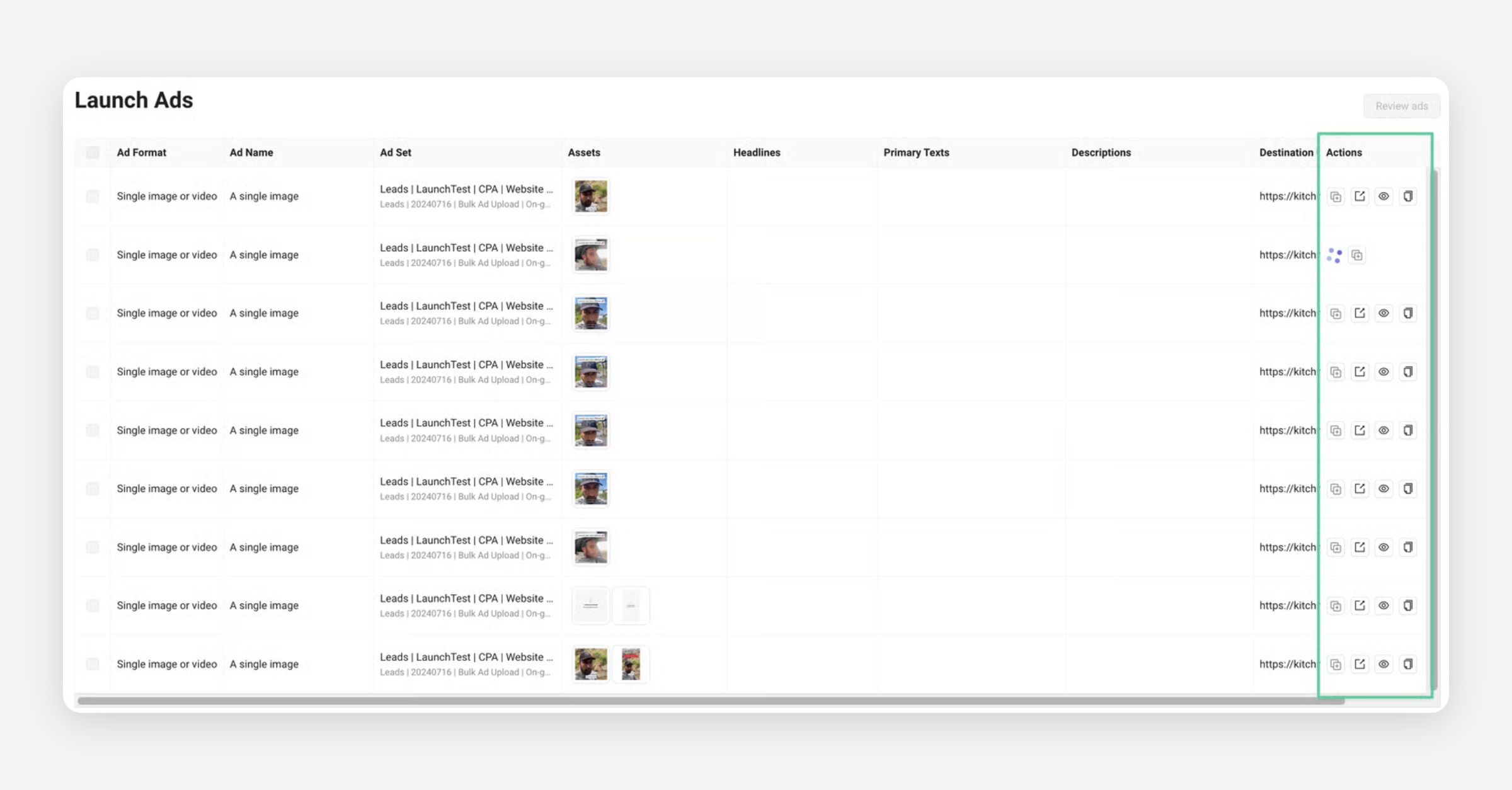
You can also duplicate any rows with published ads, which will copy all values but the creative asset over into a new row at the bottom.
Errors
If there is an error upon launching, the row will turn red, with an error symbol indicating the issue. If the error doesn't make sense, check the FAQs or submit a bug ticket with [email protected].
Was this helpful?