
Create new sheet
This guide will walk you through the steps to create and launch ads using Kitchn.io.
Launch Ads Overview
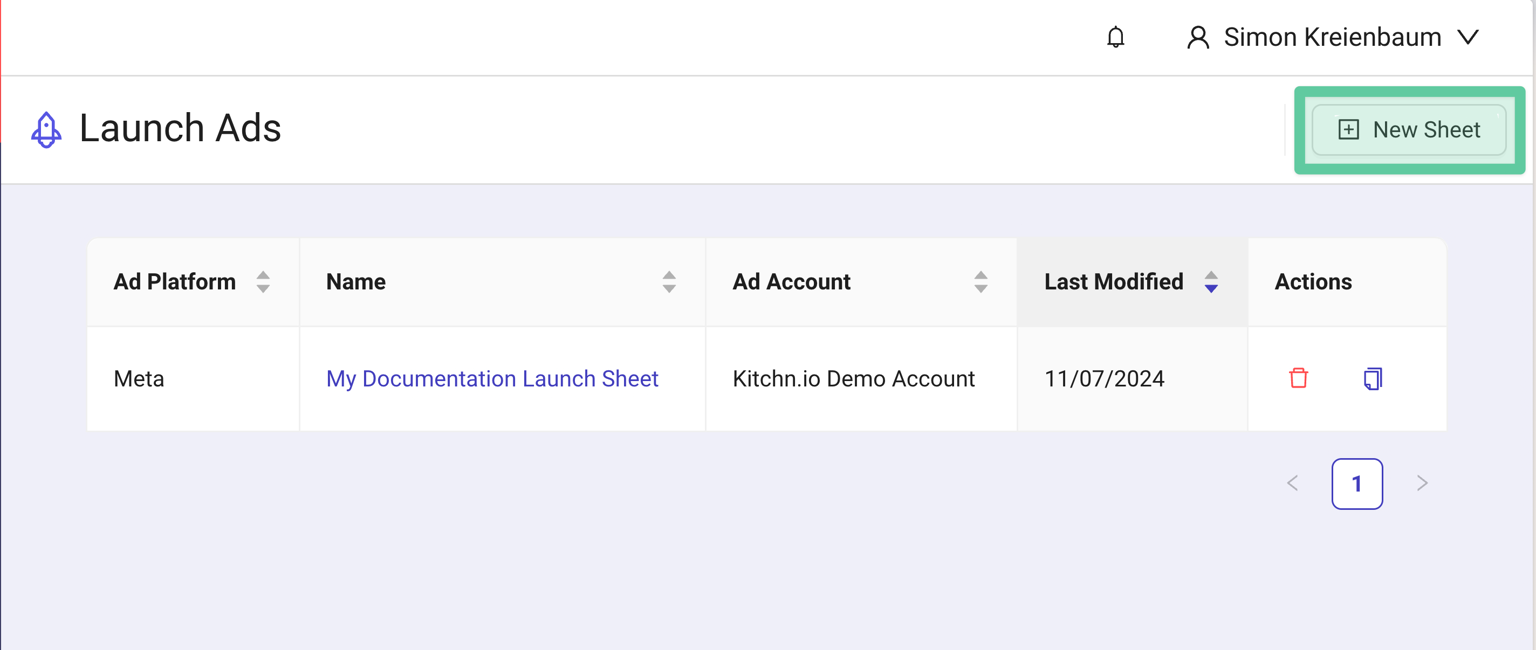
To get started, navigate to the Launch Ads Overview using the 🚀 Launch Ads menu entry on the left-hand side.
You can create multiple sheets per ad account or use just one. To get started, click on New Sheet in the top right corner to create a new ad sheet.
In the next step, you will be able to customize the Sheet using the Setup wizard before being able to prepare and launch your first ads.
Was this helpful?